 back to the original page
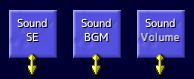
Script commands
Sound Group
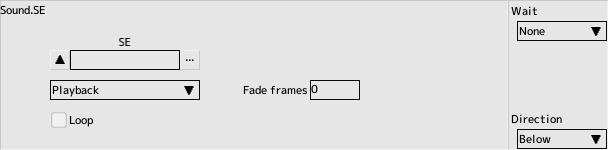
SE
Play and stop the sound effect.
- Sound effect
Designated sound effect
- Play
Play the specified sound effect
- Stop
Stops the specified sound effect
- Number of fade frames
Number of frames to complete fade-in
- Loop
Check if you want to loop
- Numbering
You can play a sound by specifying its number. This is the sequential number within the registered sound list
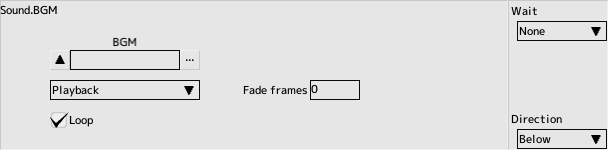
BGM
Play and stop the BGM.
- BGM
Designated BGM
- Playback
Stop the playing BGM and start playing the specified BGM
- Stop
Stop the background music while it is playing
- Number of fade frames
Number of frames to complete fade-in
- Loop
Check if you want to loop
- Numbering
You can play a BGM by specifying its number. This is the sequential number within the registered music list
- Do not play for the same
If you select the same BGM as the one currently playing, nothing will happen
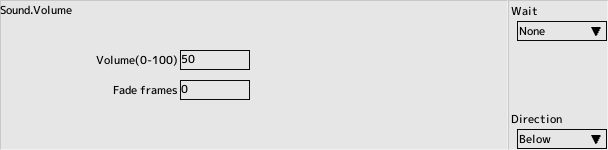
Volume
- BGM Volume (0 to 100)
Specifies the volume of the BGM playing
- Number of fade frames
Number of frames to complete fade
BGM Pause
Pausing and Resuming BGM
- Pause
Pause the BGM
- Unpause
Resume the BGM
- Get the BGM Number
Retrieves the number of the currently playing BGM into a variable
The retrieved number can be used when playing BGM
Back to the top of the page